
Hypercinema is a required class for 1st year students at NYU ITP. In this class, we learn about time based media. This is all kinds of media that change with time, as opposed to static media like sculptures or paintings. We get a brief taste of several topics like sound design, animation, video editing, and virtual reality. Here's some projects that have come out of the first half of this class.
Sound System Design
Our first assignment was to create a sound system for a product, using our own recorded sounds. My partner and I decided to design new sounds for Gmail interactions, with the twist that all of our sounds were produced via my metal Hydroflask water bottle. We decided to use a single object like this so that the sounds would belong to the same sound family. Here's a few of our final sounds, listen for yourself!
Emptying trash = emptying water bottle
Chat message received = tapping water bottle
Email sent = blowing air through water bottle's straw
I wrote a script to inject these sounds into Gmail in my browser. This helped us get a feel for the sounds with real UI interactions. We used this feedback to tweak our sounds to feel more natural.
Demo of our sound system in Gmail
Stop Motion Animation
After learning about sound design we moved onto stop motion animation. In this art style you create an animated video by gradually moving objects frame by frame. My partner and I chose to recreate Pacman with pieces of paper and M&Ms.
We learned that it's very important for the camera to stay still while recording, so that the only differences between frames are the objects we moved. We initially tried to mount our phone on a tripod, with the phone camera looking straight down at our animation scene on a table. This proved to be too unstable so we took a hacky approach and used a utility cart with shelves to hold our scene and camera. The camera sat on the top shelf with its lens angled through the shelf's bars.
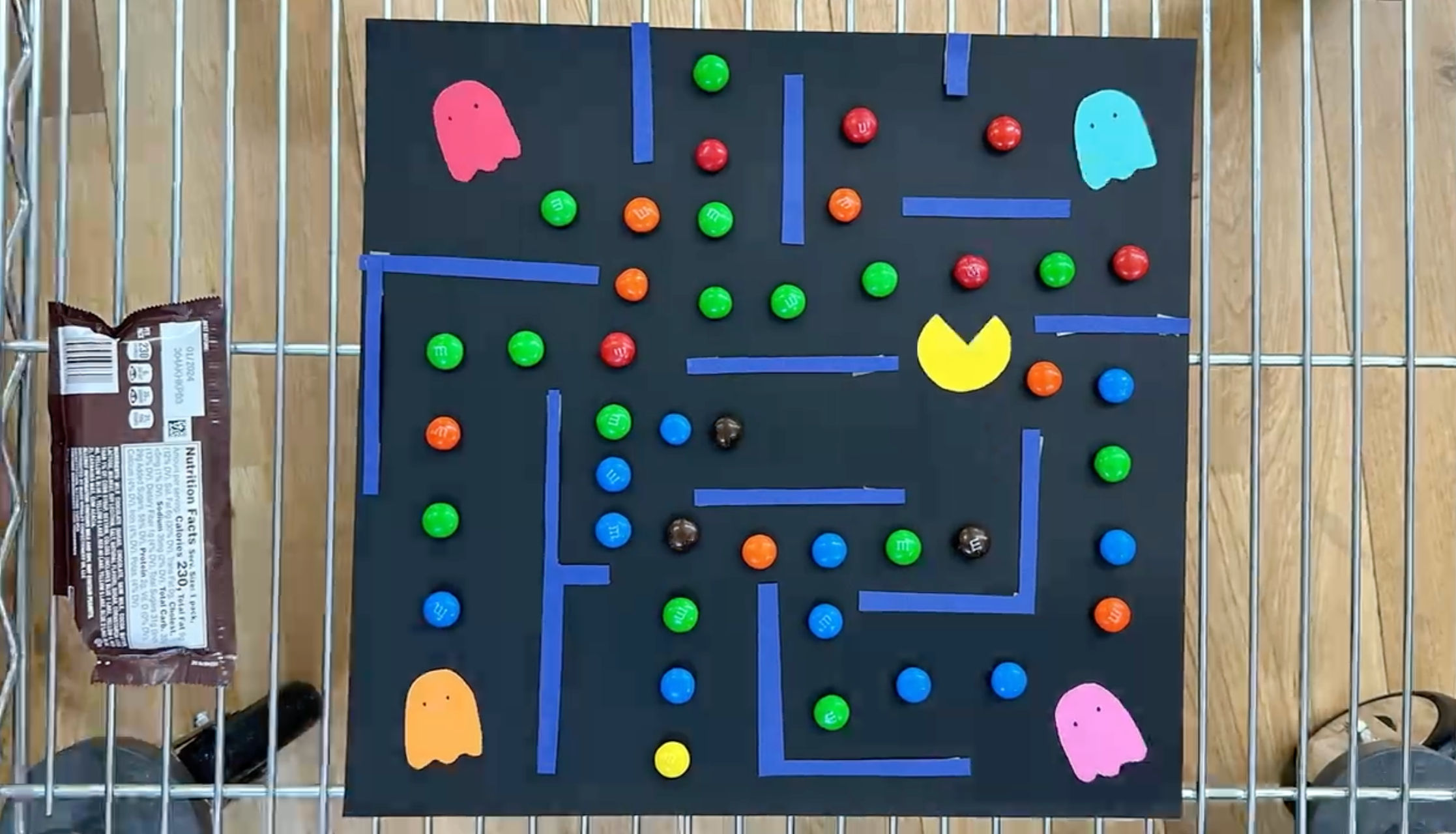 One still image from our stop motion video, where we staged everything on a utility cart
We added a slight twist on the classic rules of Pacman by making two of the ghosts combine into one mega ghost that can travel through walls. I'm pretty happy with how it turned out, especially the animation where Pacman dies.
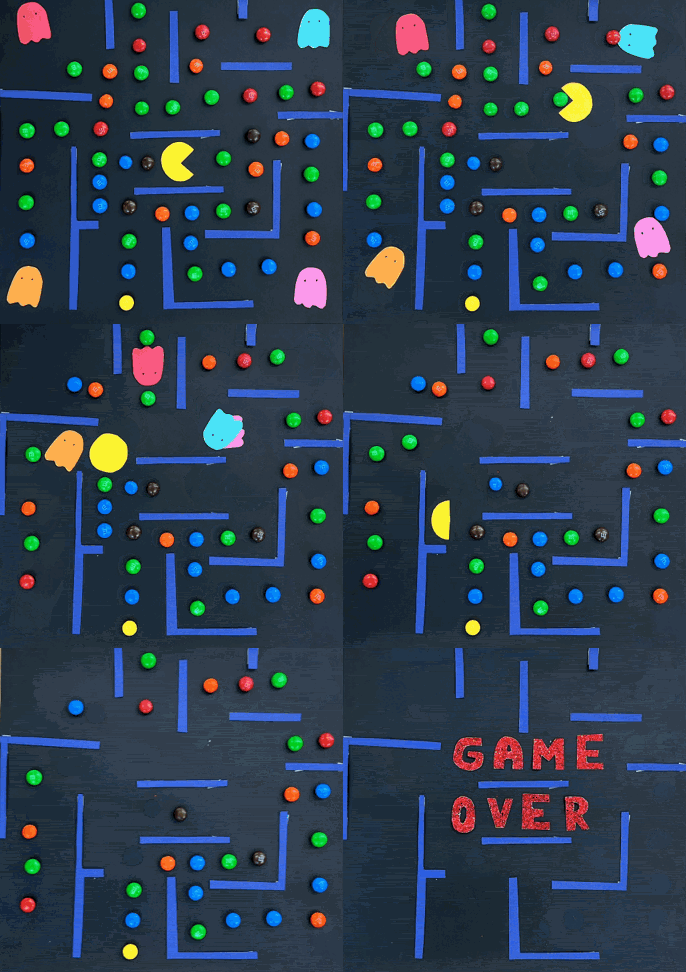 Final stop motion video
Video Compositing
Stop motion was just the start of our work with animation. Next we moved on to learning about two pieces of Adobe software: After Effects and Premier. After Effects is a powerful tool for animation and video compositing-- combining multiple pieces of media into a single video. Premier is a video editing tool.
Our midterm project asked us to create a short animated video about a speculative future. My group imagined a future where the city had more greenery. Buildings covered in vines, sidewalks sprouting grass and flowers, etc. But with a twist that this lush environment was only possible because humanity was wiped out. We recorded a lot of footage of buildings and subway platforms near school and then composited images of trees and plants onto that footage. I learned a few things about After Effects in this process:
- Camera tracking. Our camera footage was shaky and included slow pans across scenes. Camera tracking analyzes the footage and creates anchor points for you to attach composited objects to. This let us overlay images of greenery that followed the camera's movement exactly.
- Rotobrush. This awesome AI-powered tool lets you track any moving object across frames. For example, we had footage of me walking out of a subway platform. I wanted to composite plants in our scene and have my body walk in front of them. With rotobrush I was able to track my body shape and create a mask from that shape to hide any overlapping plant images. Without this tool you would have to create that mask by hand, frame by frame!
- Photoshop objects. After Effects works well with Photoshop, in that you can import Photoshop files while maintaining their separate layers. My workflow had me moving back and forth between both programs a lot and it was very convenient that my Photoshop files automatically updated within AE.
Here's our final film. I ended up narrating and "acting" in it since my teammates had more behind-the-camera experience than me.
Speculative Future midterm video
While compositing the scene where I exit the subway, I took a brief detour to play with rotobrush. I made a looping gif where I cloned myself as I walk up the stairs!
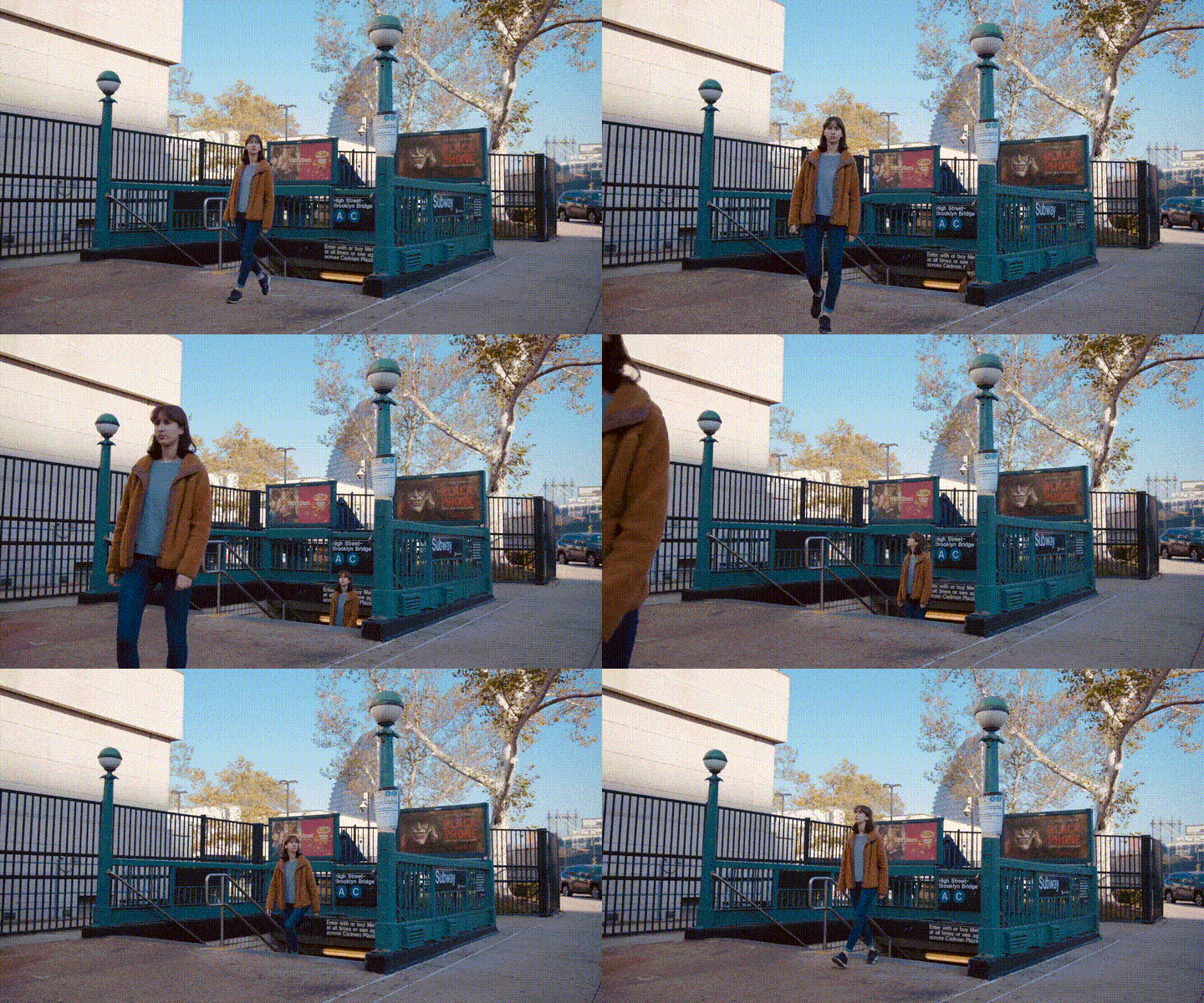 Seeing double!